Home Service Dispatcher Tips That Actually Work
House Escort Team
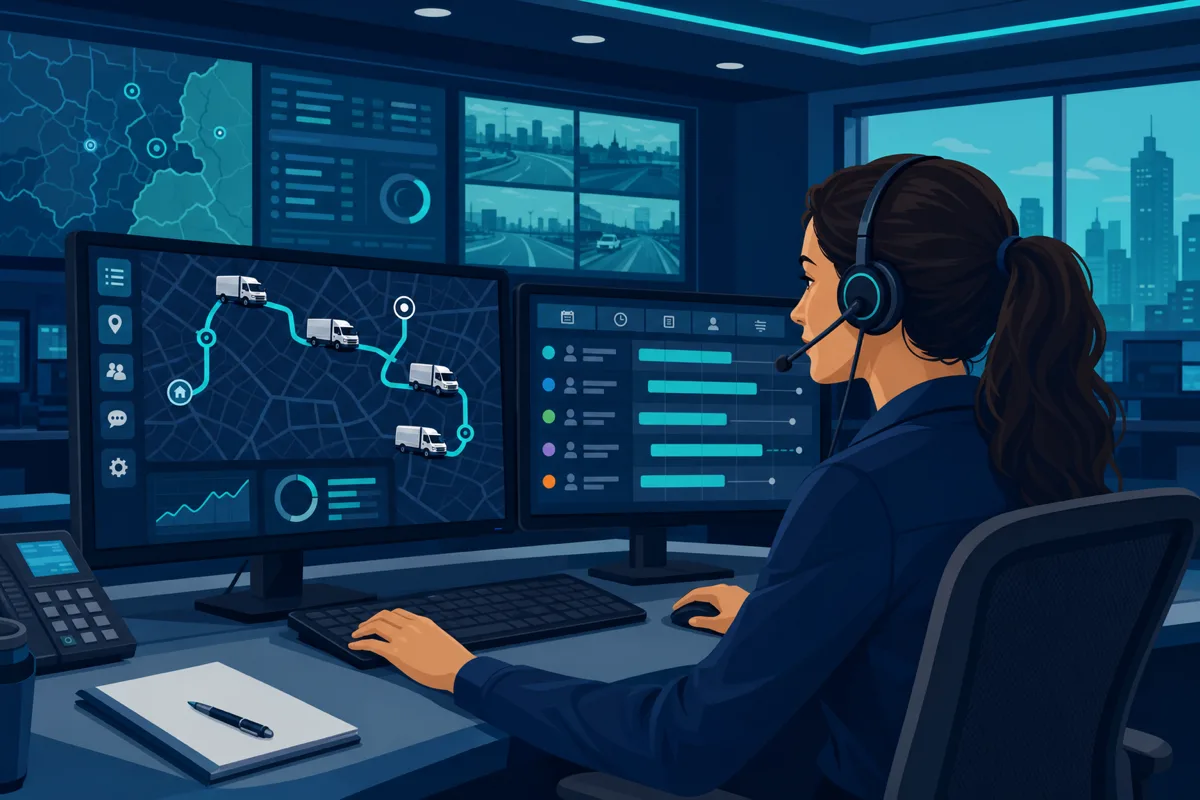
Your dispatcher is your operations hub. When dispatching runs well, your techs are productive, customers are happy, and you’re not fielding angry callback calls at 6 PM. When dispatching breaks down, late arrivals, miscommunications, and inefficient routing quietly drain thousands of dollars from your business every month.
These tips are for growing home service companies — plumbing, HVAC, electrical, and general contracting — who are ready to professionalize their dispatch operation.
Why Dispatching Is a Revenue Function, Not Just Scheduling
Most owners think of dispatching as administrative. It’s not — it’s a revenue function.
A skilled dispatcher:
- Fills schedule gaps when cancellations happen
- Matches tech skill level to job complexity (preventing costly rework)
- Reduces drive time, increasing the number of jobs per day
- Turns first-call resolves into five-star reviews
- Catches customer escalations before they become refunds
The Bureau of Labor Statistics reports that dispatch and CSR roles in service industries directly impact customer retention metrics. Companies that invest in dispatcher training see measurable improvements in repeat business and referral rates.
Structure Your Morning Call Handling
The first two hours of the day set the tone. How your dispatcher handles the morning determines whether you’re reactive or in control.
Morning dispatch checklist:
- Review the day’s schedule and confirm all appointments from the previous evening
- Check tech availability — who’s out, who’s running late
- Confirm all parts and materials are on-hand for scheduled jobs
- Pre-route the day based on geography and job type
- Send techs their first job of the day before they leave home (or have them call in from the field)
A confirmation call or text to customers the morning of their appointment reduces no-shows by 20–35% at most home service companies. Automate this if your scheduling software supports it.
Route Optimization: Stop Winging It
Random routing — assigning jobs based purely on who’s next available — is one of the biggest silent profit killers in home service. A tech who drives 45 minutes between a morning job in the north suburbs and an afternoon job across town loses an entire service call’s worth of billable time in windshield.
Route optimization basics:
- Group morning jobs by geographic zone before the day starts
- Assign emergency slots to techs already in or near that zone
- Use “anchor jobs” — long jobs or tune-ups that keep a tech in one area while nearby calls fill in around them
- Avoid crossing the city during rush hour if you can sequence differently
If you’re doing this manually in a spreadsheet, you’re leaving money on the table. See how the right tools can help at /resources/contractor-scheduling-software/.
Managing Emergency vs. Scheduled Work
The tension between emergencies and scheduled work is real. A burst pipe or failed AC in July in Texas will always bump something. The question is how you manage it.
Best practices:
- Keep one “float” slot per dispatcher per morning — a gap in the schedule that can absorb an emergency without blowing up the whole day
- Have a clear escalation tier: minor emergency (can shift within the day) vs. true emergency (requires immediate dispatch)
- Communicate proactively to customers who get bumped — call them before they call you, offer a discount or priority rescheduling
- Track emergency call frequency — if you’re getting more than 15–20% of your daily calls as “emergencies,” your lead time booking may be too long and customers are describing everything as urgent to get faster service
Reducing Customer Callbacks
A callback is a double cost — you pay the tech to return and you risk losing the customer. Most callbacks fall into one of three buckets:
- Incomplete diagnosis: The tech fixed the symptom but not the root cause
- Part failure or install error: Workmanship issue
- Customer communication failure: Customer expected something different from what was delivered
Dispatcher-driven callback reduction focuses on bucket 3. Before closing a job, your dispatcher (or field tech) should confirm with the customer: “Is everything working as expected? Do you have any questions about what was done today?” This 60-second conversation catches 40–50% of potential callbacks before they happen.
Track callback rate by tech. If one tech is generating 3x the callbacks of others, that’s a coaching conversation — not a dispatch problem.
Real-Time Communication Between Dispatcher and Field Tech
Breakdowns in field communication create delays, missed calls, and frustrated customers. Set clear communication standards:
- Job start: Tech texts or updates status in the app when they arrive on-site
- Job complete: Tech updates status and notes before leaving — no driving to the next job without closing the prior job in the system
- Parts needed: Immediate radio/text to dispatcher so ETA can be re-set with customer
- Upsell opportunity: Tech flags to dispatcher before the call ends so dispatcher can pull invoice template and schedule follow-up
If your techs are updating job status hours later — or worse, at the end of the day — you’re flying blind. Require real-time updates as a company standard.
How to Use Scheduling and CRM Software Effectively
Dispatching without software above a certain company size is a liability. The right tools reduce errors, give you visibility, and let you scale.
Key dispatcher software features to look for:
- Drag-and-drop job board: Visual schedule across all techs with real-time status
- GPS tracking: Know where every tech is without calling them
- Automated customer notifications: Arrival windows, job completion, invoices
- Job history by customer: So the dispatcher can pull up notes from the last visit before calling
For a comparison of leading options, see /resources/contractor-crm-software-comparison/.
Popular platforms for home service dispatching include ServiceTitan, Jobber, Housecall Pro, and FieldEdge. The right choice depends on your company size and which trades you serve.
How to Train a Good Dispatcher
A dispatcher who only routes jobs is a scheduler. A great dispatcher is also part CSR, part operations manager. When hiring or training, look for these traits:
- Calm under pressure: The ability to re-route the whole day at 9 AM without panicking
- Strong phone communication: Clear, friendly, and able to de-escalate frustrated customers
- Spatial awareness: Comfort thinking about routing and geography
- Attention to detail: Doesn’t miss callbacks, doesn’t lose job notes
For training, have a new dispatcher shadow an experienced one for at least two full weeks before running their own board. Create a written SOP for every key scenario — morning routine, emergency call handling, tech no-show, customer complaint. Don’t rely on oral tradition.
Metrics That Matter for Dispatch
Track these weekly:
| Metric | Target |
|---|---|
| Jobs per tech per day | 3–6 depending on trade |
| Callback rate | Under 5% |
| Customer on-time rate | Over 90% |
| Average response time (emergency) | Under 2 hours |
| Average drive time per tech per day | Under 20% of work hours |
If you’re not measuring these, you can’t improve them.
Why the Right Platform Matters
House Escort helps home service companies build a professional presence that generates inbound leads — so your dispatcher is filling a schedule with real customer demand, not chasing cold leads. When your dispatch operation runs smoothly, every new lead converts to revenue.
Join House Escort and grow your service business →
Frequently Asked Questions
What does a home service dispatcher do? A dispatcher assigns jobs to technicians, manages the day’s schedule, communicates with customers about arrival times, handles emergencies, and maintains real-time communication with the field. In growing companies, they also handle inbound customer calls and booking.
When should I hire a dedicated dispatcher? Most home service companies benefit from a dedicated dispatcher when they have 3 or more techs in the field. Below that, an owner or CSR can often handle scheduling alongside other tasks.
What software do home service companies use for dispatching? Popular options include ServiceTitan (enterprise), Jobber (small to mid-size), Housecall Pro (SMB), and FieldEdge (HVAC-focused). The right platform depends on your trade, team size, and budget.
How do I reduce no-shows and cancellations? Automated reminder texts and confirmation calls the morning of the appointment reduce no-shows by 20–35% at most companies. Collecting a small deposit for first-time customers also reduces day-of cancellations significantly.
How do I measure dispatcher performance? Track callback rate, on-time rate, jobs-per-tech-per-day, and average drive time percentage. Also track customer satisfaction scores by day — poor dispatching shows up in reviews as “late arrival” or “poor communication.”