CRM for Home Service Businesses: What You Need
House Escort Team
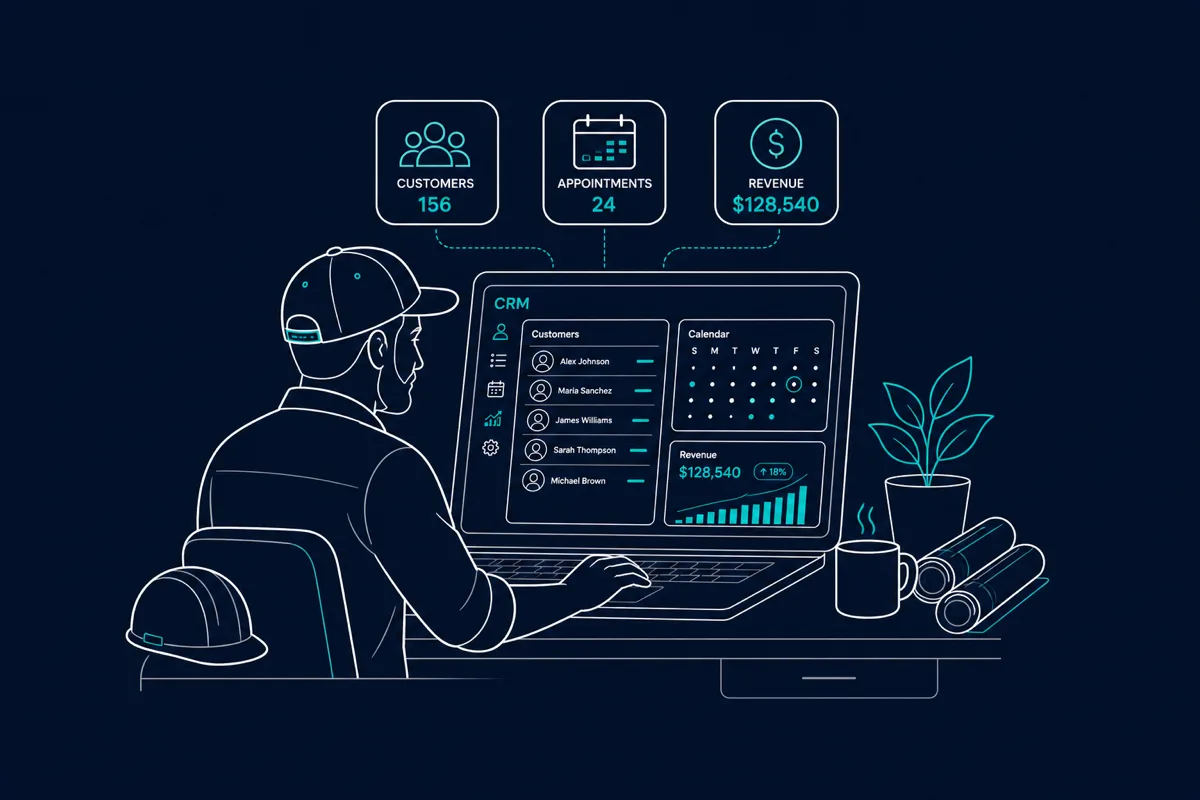
Most home service businesses keep customer info in their phones, track jobs on paper, and follow up through memory alone. This works at 10 customers. It doesn’t work at 50 or 100. A CRM (Customer Relationship Management system) is the infrastructure that lets you grow without dropping clients, losing jobs, or forgetting who called last week.
What a CRM Does for a Home Service Business
At its core, a CRM is a structured database of your customers and their history. But purpose-built home service CRMs do much more:
Customer records: Every client in one place — contact info, address, service history, notes, photos from past jobs, equipment notes (what brand AC system is in that house).
Job management: Jobs tied to customers, with status (scheduled, in progress, completed), assigned tech, and attached notes/photos.
Scheduling and dispatch: Calendar view of jobs, drag-and-drop scheduling, tech assignment, and route optimization.
Quoting and invoicing: Create and send quotes from the field, collect signatures, convert to invoices, accept payment.
Follow-up automation: Automatic reminder emails for annual maintenance, follow-up texts after job completion, review request automation.
Recurring job management: For cleaning, lawn care, HVAC maintenance — automated recurring scheduling and billing.
Why Home Service Businesses Need a CRM (Even Small Ones)
A CRM is worth it even at 20-30 active customers if you want to grow. Here’s why:
Revenue you’re leaving on the table: Without follow-up systems, most contractors never reach back out to past customers. A customer who had their HVAC repaired 2 years ago might be ready for maintenance — and hiring a competitor because you didn’t reach out.
Review generation: Automated post-job review requests generate 30-50% more reviews than manual asking. Reviews directly impact your Google ranking and lead conversion.
Recurring revenue management: Maintenance agreements, annual inspections, and recurring service customers need systematic scheduling. Manual management creates missed appointments and lost recurring revenue.
Professional appearance: Sending a clean digital quote with your logo and job photos beats texting a dollar amount. Customers with choices choose the contractor who looks like they run a real business.
CRM Options for Home Service Businesses
Jobber: The most widely used field service CRM for small to mid-size home service businesses. Strong scheduling, quoting, invoicing, and client management. Mobile app works well in the field. Used by HVAC, plumbing, electrical, cleaning, landscaping, and most residential service trades. Pricing is per-user with tiered plans.
Housecall Pro: Competitive with Jobber. Strong for operations that do a high volume of calls/dispatching. Similar feature set with different UX approach. Popular in HVAC, plumbing, and appliance repair.
ServiceTitan: Enterprise-grade platform for larger operations (10+ techs). More complex and expensive than Jobber/Housecall Pro. Overkill for most small operations.
Workiz: Growing option for field service businesses. Includes call tracking, which is useful for measuring marketing ROI.
Simple alternatives for very small operations:
- Google Contacts + Google Calendar (free; works for solo operators but scales poorly)
- Airtable (flexible database; requires setup investment)
- Less Annoying CRM (bare-bones CRM; missing field service features)
Recommendation: For a home service business with 2-10 employees and recurring clients, Jobber or Housecall Pro are the industry standard choices. Start with the trial tier, use it consistently for 90 days, and evaluate.
The Follow-Up Revenue Model
The most underutilized CRM feature is automated follow-up. Here’s what this can generate:
HVAC company example:
- 200 past customers in CRM
- Annual maintenance agreement follow-up email in March
- 20% conversion to annual maintenance ($200/agreement)
- = $8,000 in new maintenance revenue from one email to an existing list
Cleaning company example:
- 50 past one-time customers in CRM
- Follow-up email 30 days after their first clean: “Ready to keep the clean home feeling? Here’s a discount on your first recurring clean”
- 15% convert to bi-weekly ($150/clean × 26 cleans/year)
- = $29,250 in new annual recurring revenue from one campaign
Neither of these requires advertising spend — they’re mining the value from customers you’ve already served.
CRM Integration With House Escort
If you use House Escort to acquire and manage homeowner connections, keeping those relationships in your CRM ensures you have a complete customer history and can systematically follow up, upsell, and generate reviews from every customer regardless of how they originally found you.
Build your House Escort business profile and start connecting with homeowners in your market.
Frequently Asked Questions
Do I need a CRM as a solo home service operator?
Even solo operators benefit from a CRM once they have 15-20+ active customers. The primary values at small scale: systematic follow-up (you’ll forget to call back without a reminder), review generation automation, and professional quoting/invoicing. At solo scale, free tiers or low-cost tools are sufficient. Jobber’s Lite tier is designed for solo operators.
How long does it take to set up a home service CRM?
A basic setup (importing customer list, configuring job templates, setting up invoice templates) takes 2-4 hours. Getting the team trained and using it consistently takes 2-4 weeks. Most operators see the value within 30-60 days when they start running their first automated follow-up campaigns and seeing review requests come back.
What’s the best free CRM for home service businesses?
Truly free full-featured home service CRMs are rare. Jobber offers a 14-day free trial; Housecall Pro has a limited free tier. For a very small operation, Google Workspace (Contacts + Calendar + Forms for quotes) is free and functional. The investment in a paid CRM ($50-100/month) is typically worth it once you have 20+ recurring customers — the review generation and follow-up automation alone pays back the subscription.
Should I choose Jobber or Housecall Pro?
Both are strong. The practical difference: Jobber has a slightly simpler UI and is often preferred by new users; Housecall Pro has more built-in dispatch and routing features, which matters more for operations with multiple techs running simultaneous routes. Trial both and pick the one your team will actually use consistently.
How do I import my existing customer list into a CRM?
Most CRMs accept CSV file imports (name, address, phone, email columns). Export from your current spreadsheet or Google Contacts to CSV, map the columns to CRM fields, and import. For a list under 200 customers, manual entry over a few hours is also feasible. Your CRM onboarding documentation will have specific import instructions.